For university placement cells
Run your placement season in one place.
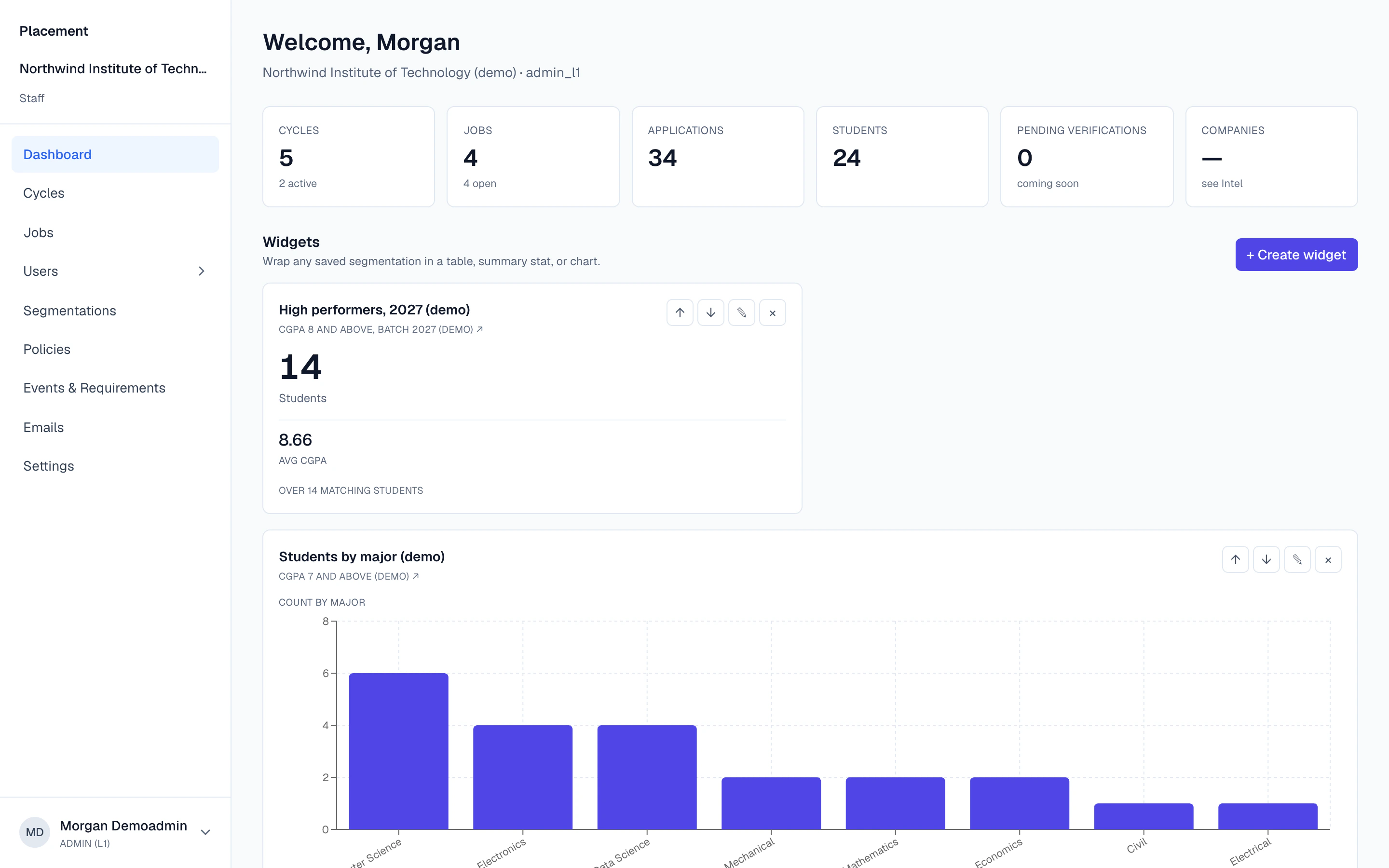
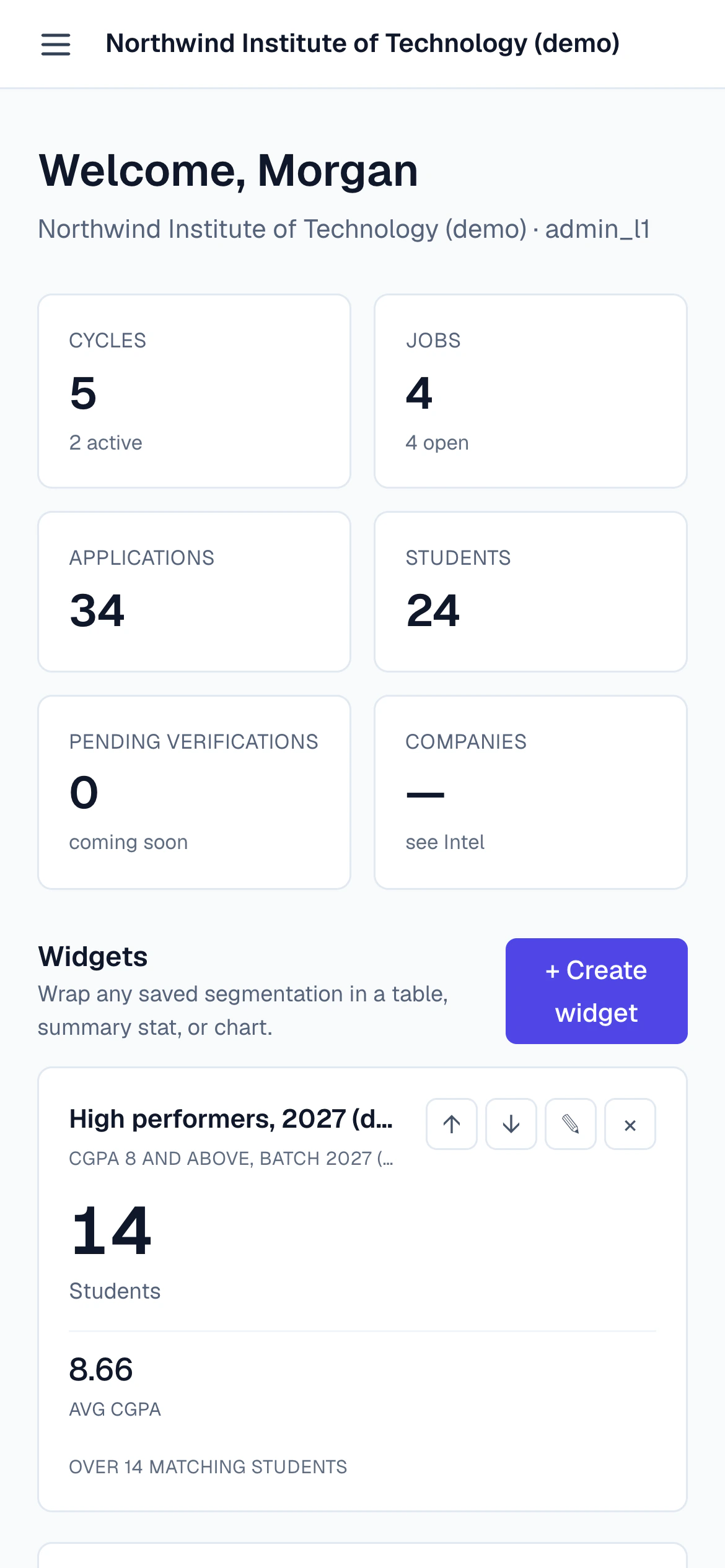
MetaLaunch is placement software for universities and colleges: cycles, jobs, rounds, eligibility rules and recruiters, with a Profile every student owns.
One platform for everyone who guides students.
For university and college placement cells
Placement
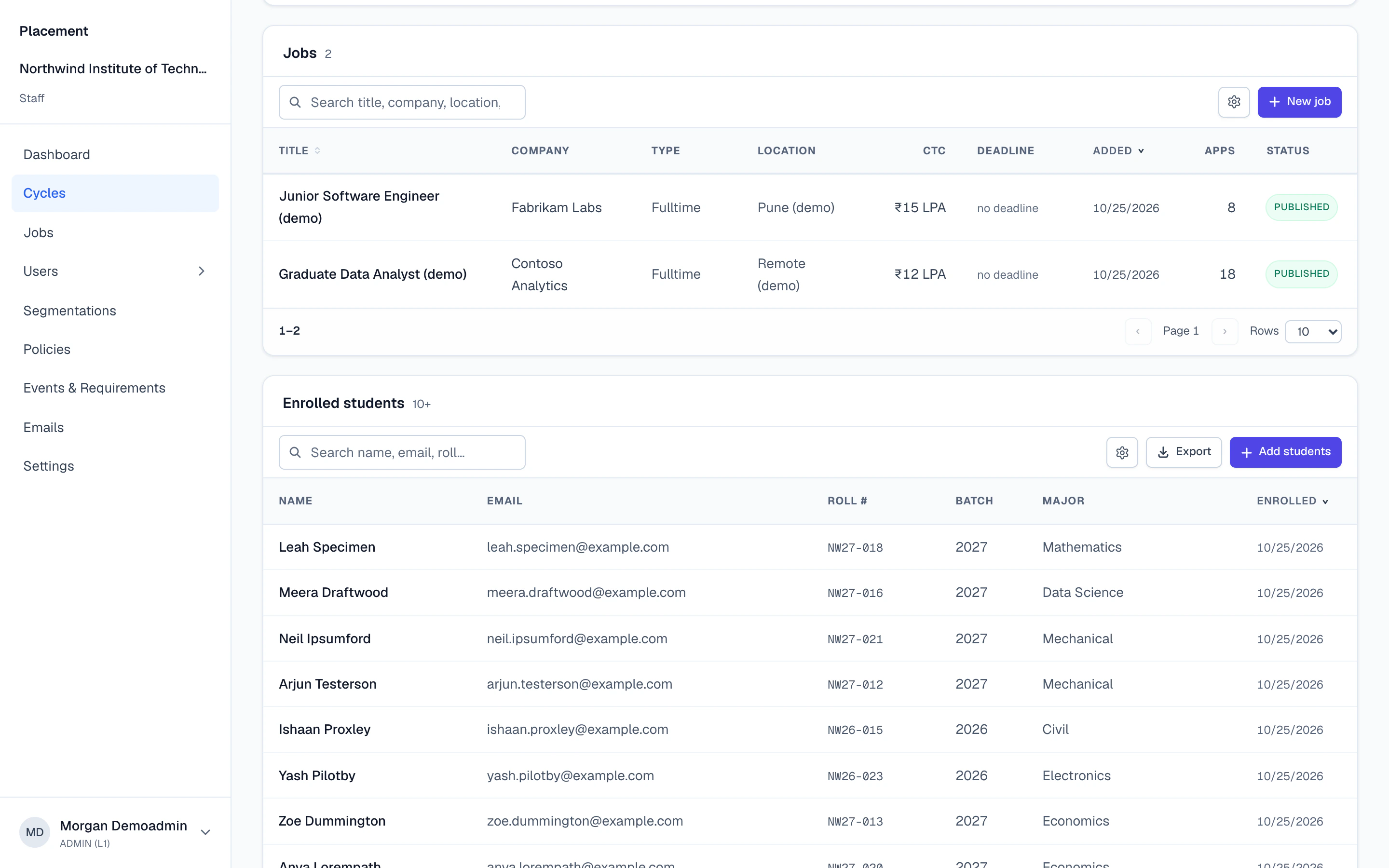
Cycles, jobs, rounds, eligibility and offer rules, recruiter links, events and dashboards.
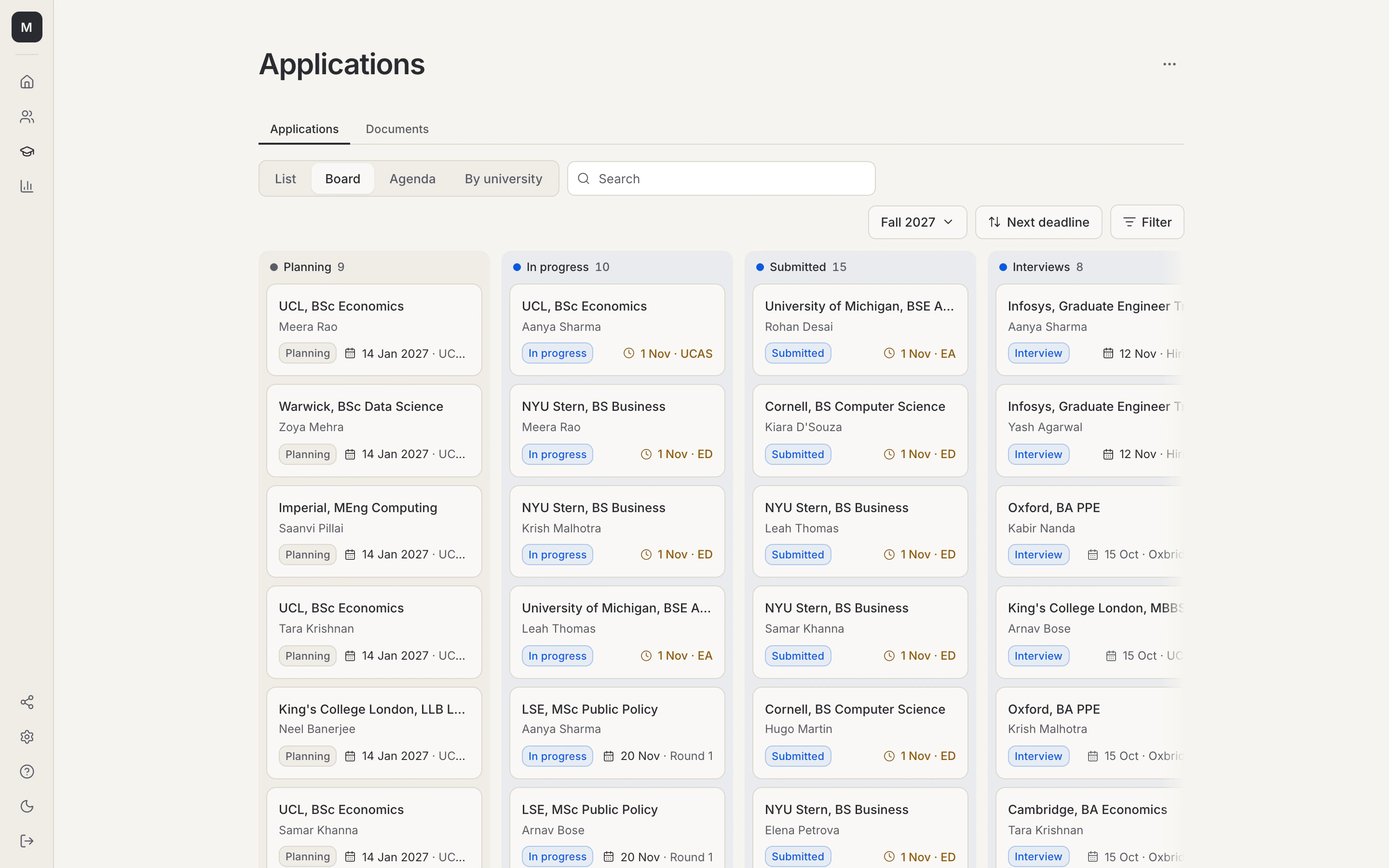
For schools guiding students to college
SchoolsPilot
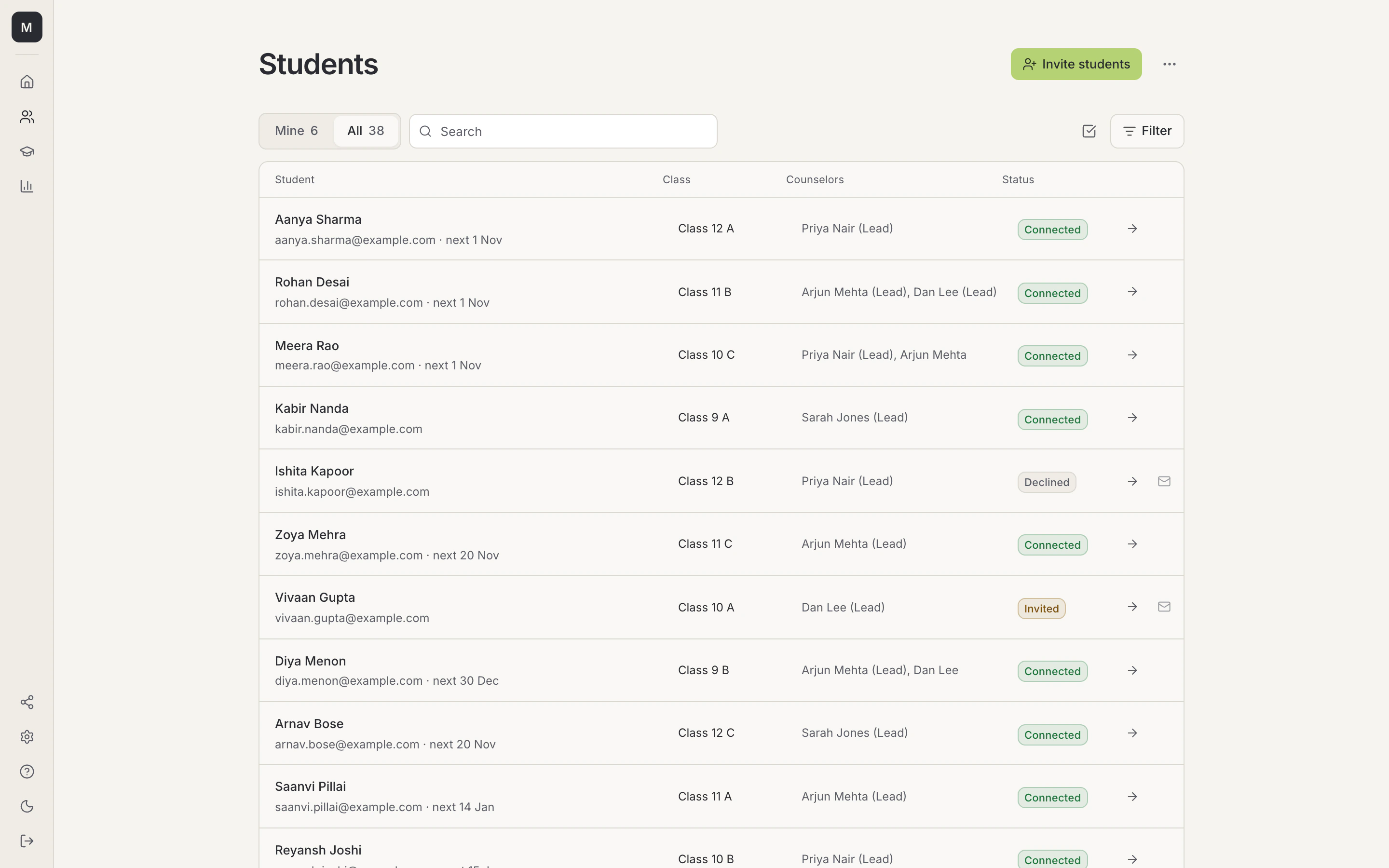
Import your roster, assign counselors and follow every Application by class and section.
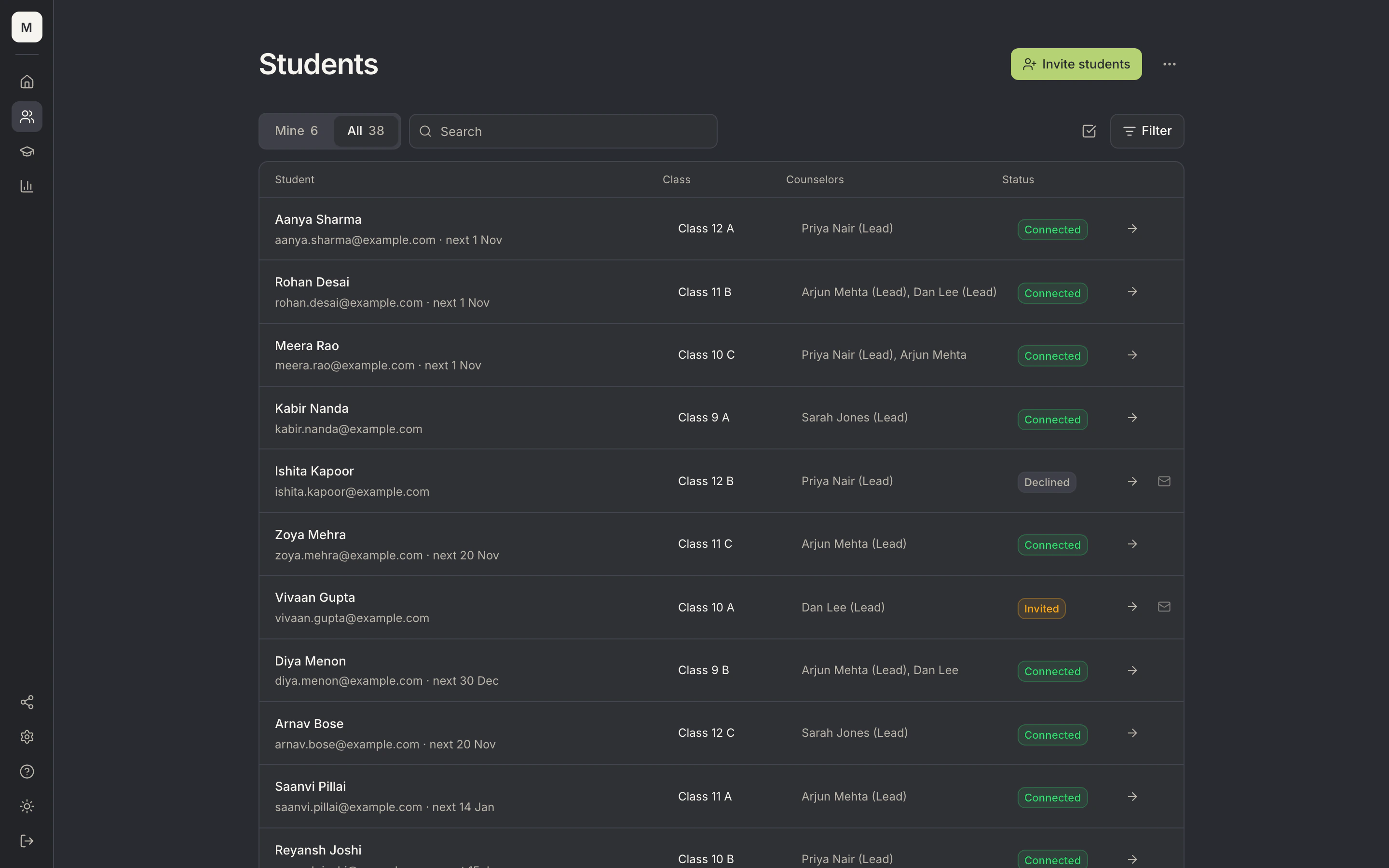
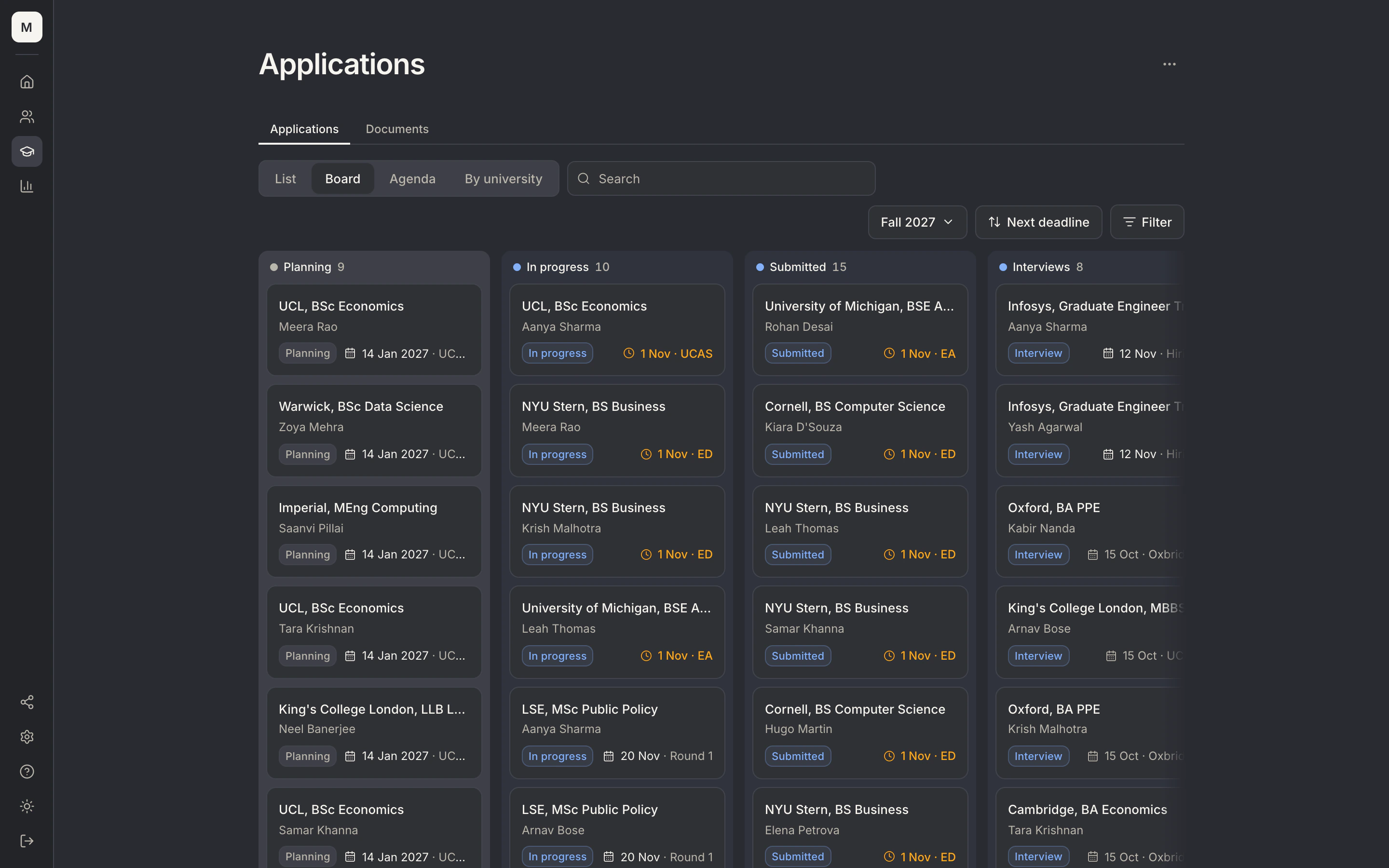
For solo counselors and counseling firms
CounselorsPilot
Invite your students, see what they share and track every Application to its outcome.
From eligibility to offer.
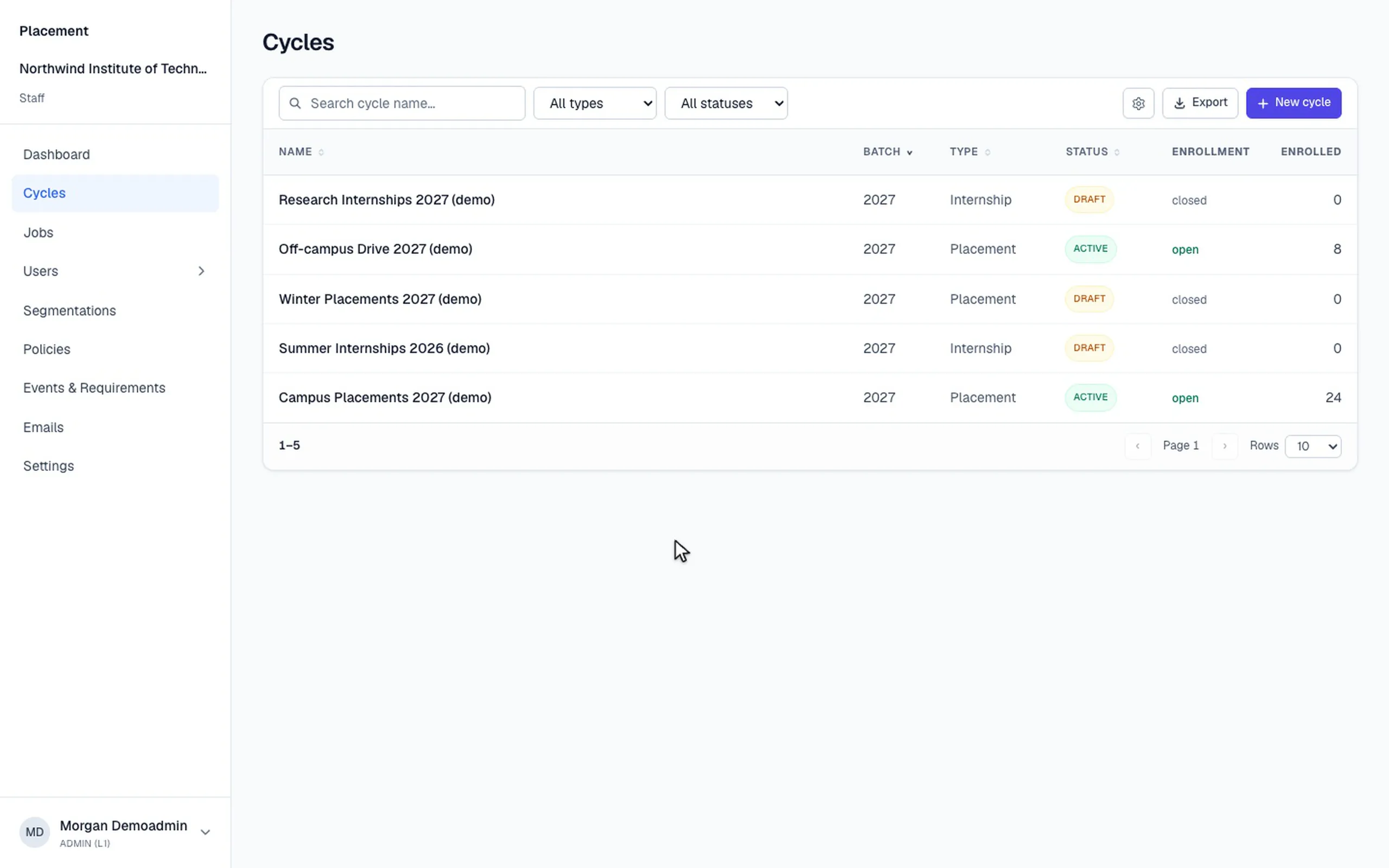
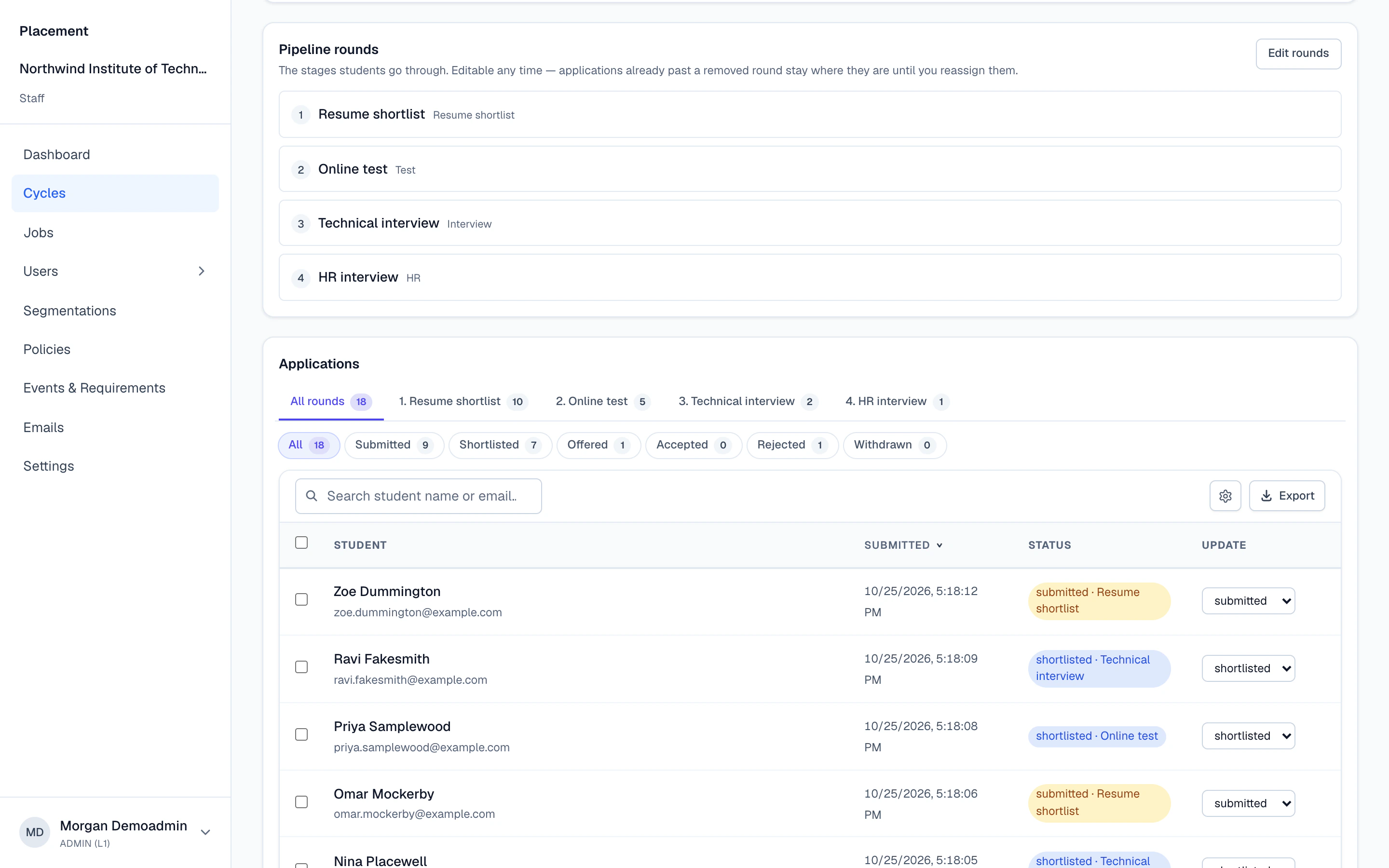
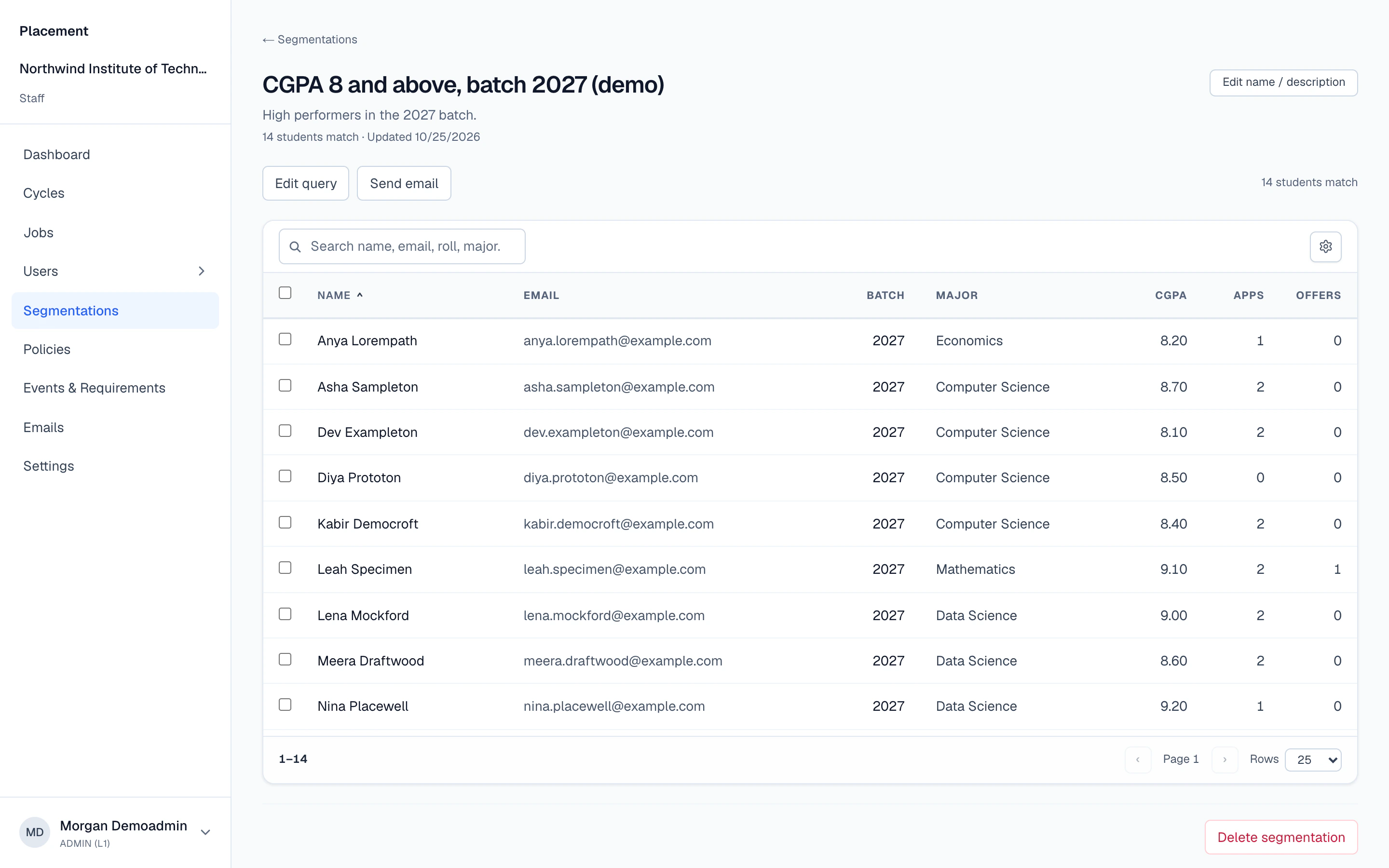
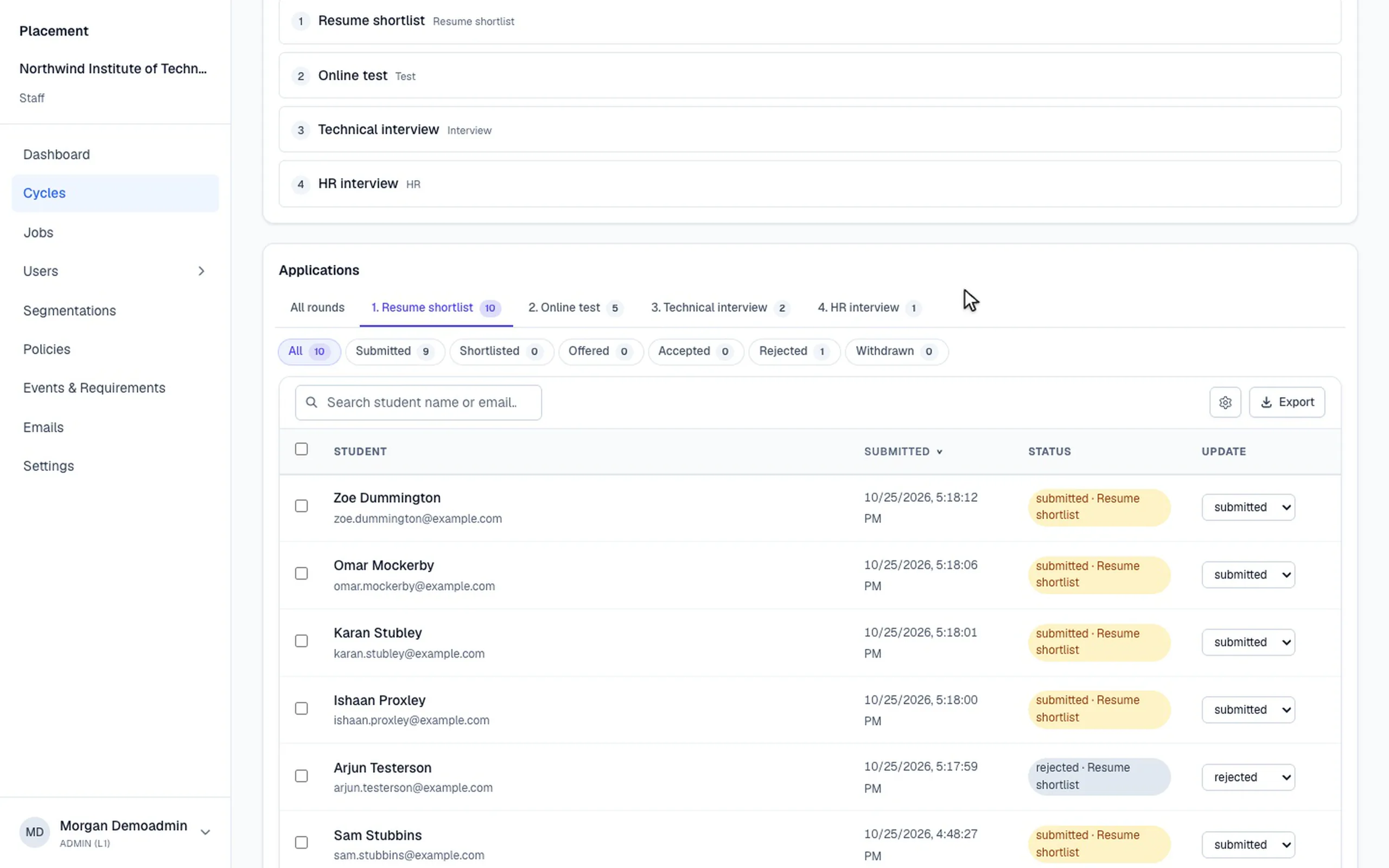
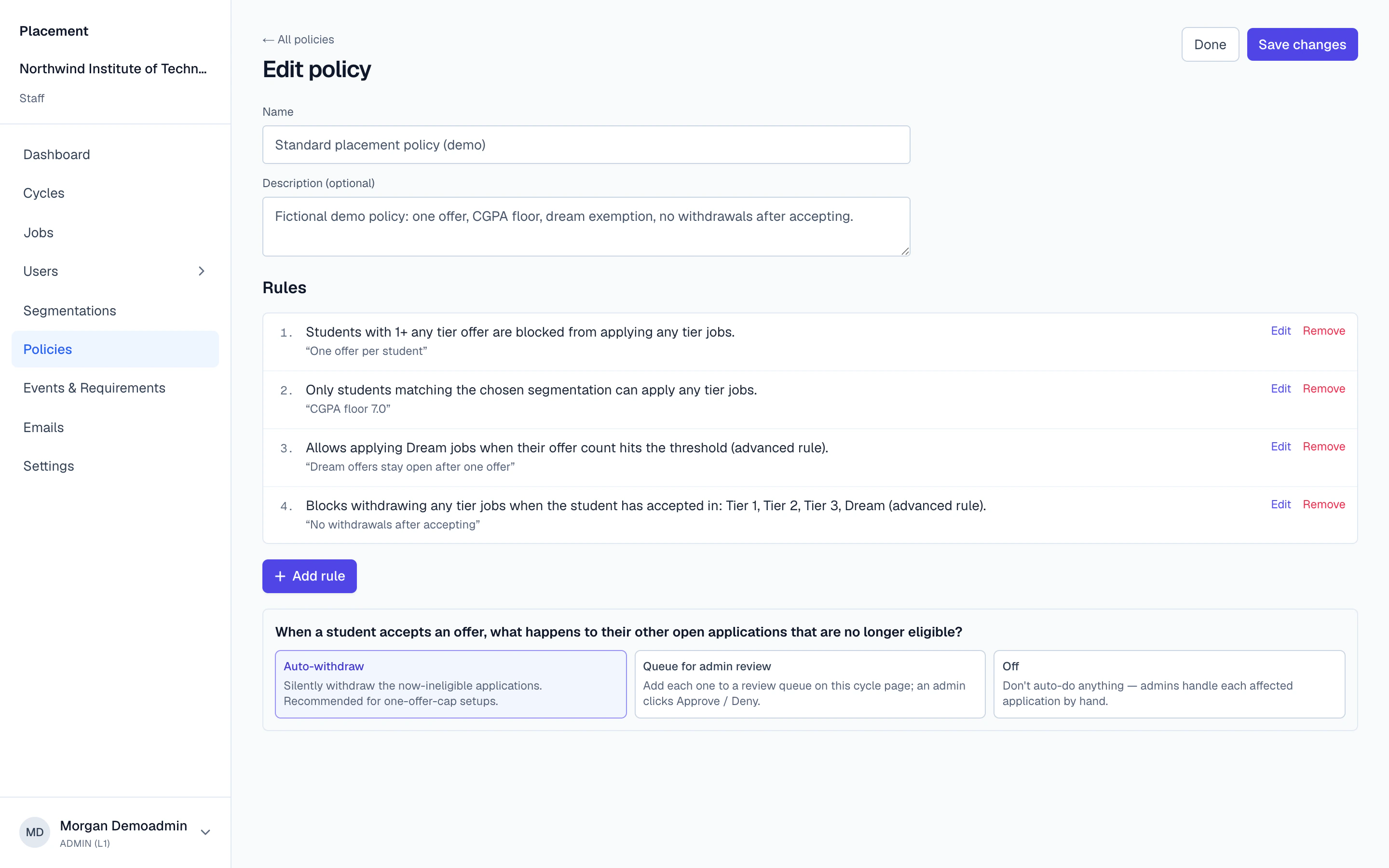
1. Open a cycle
Choose the batches it admits and the rules it follows.
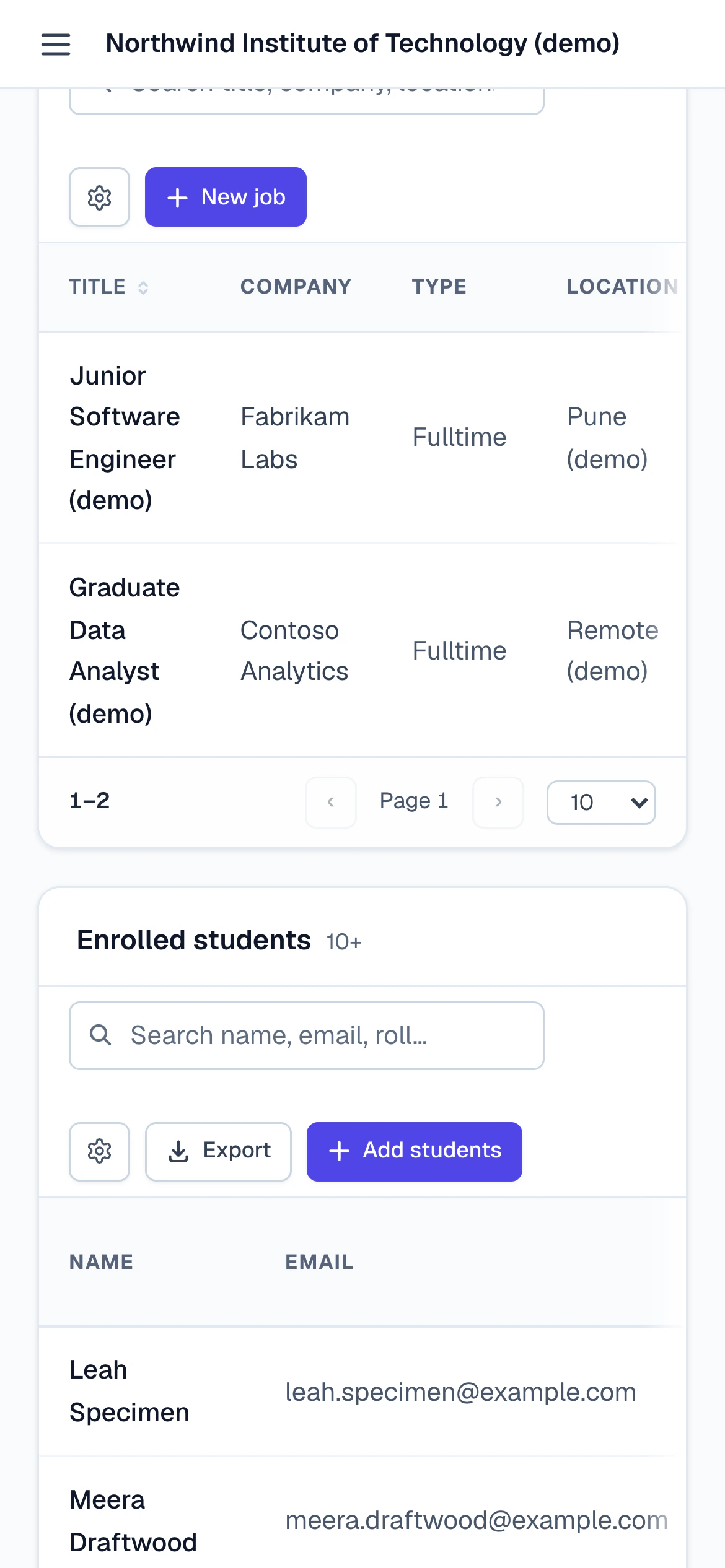
2. Add jobs
Each company's role, with its tier, CTC, deadline and its own rounds.
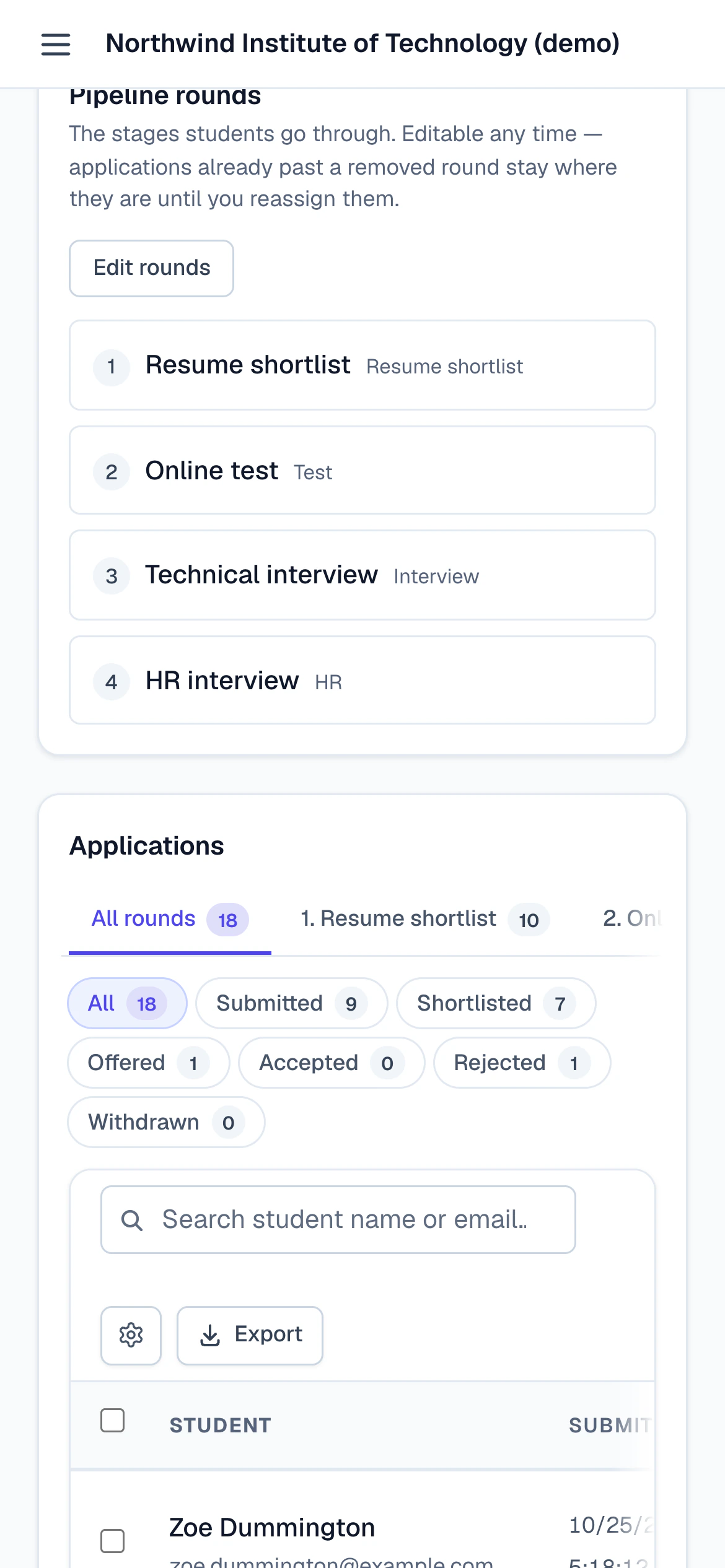
3. Students apply
Only students your rules allow can apply or withdraw, and they see why when they can't.
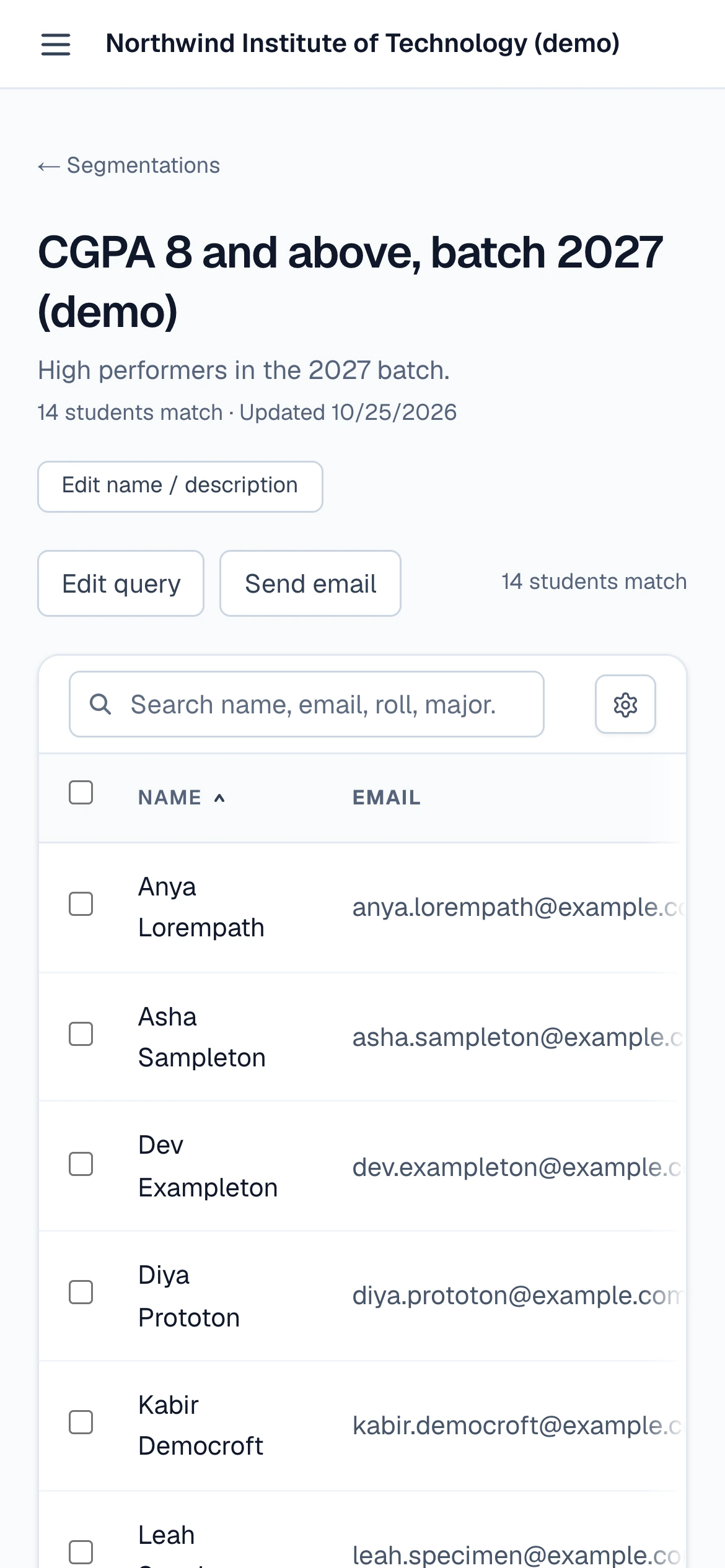
4. Run the rounds
Move applicants round by round, in bulk. Recruiters can update outcomes through their own link.
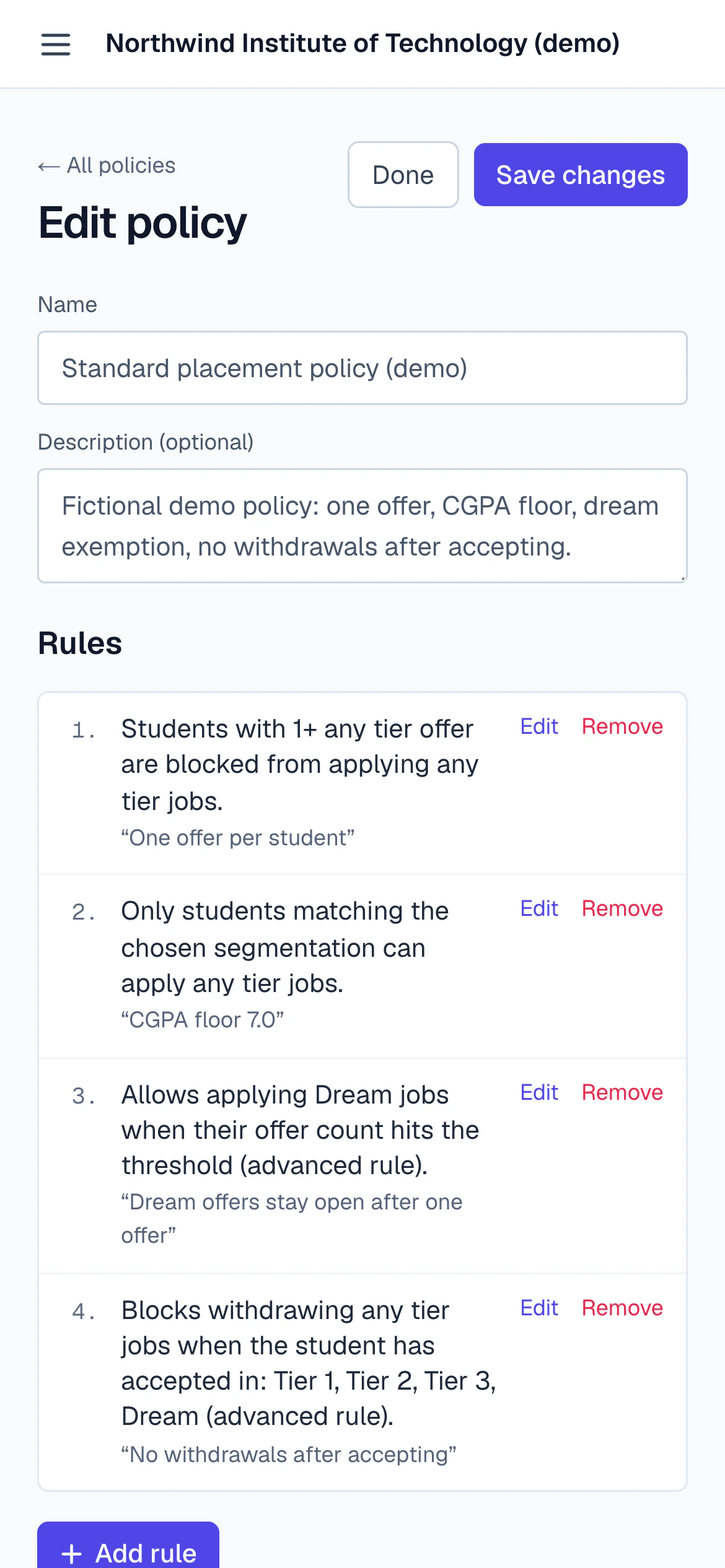
5. Record offers
Your offer rules apply themselves, so the next eligibility check is already right.
Everything a placement cell runs, already connected.
See everything in Placement- Eligibility and offer rules
- CGPA, batch, major and more, plus offer caps and tier lockouts. Start from eight ready-made templates.
- Live segments
- “CS batch, 7.5+ CGPA, no offer yet”, kept current and reused for eligibility, email and exports.
- Campaigns
- Email a segment from your institution's own address, now or scheduled.
- Recruiter links
- One job, view or edit access and an expiry date. No account at your institution needed.
- Events and check-in
- Pre-placement talks and requirements, with QR check-in that rotates every few seconds.
- Dashboards and exports
- Any segment as a number, table or chart, and every list as a CSV.
What your students see
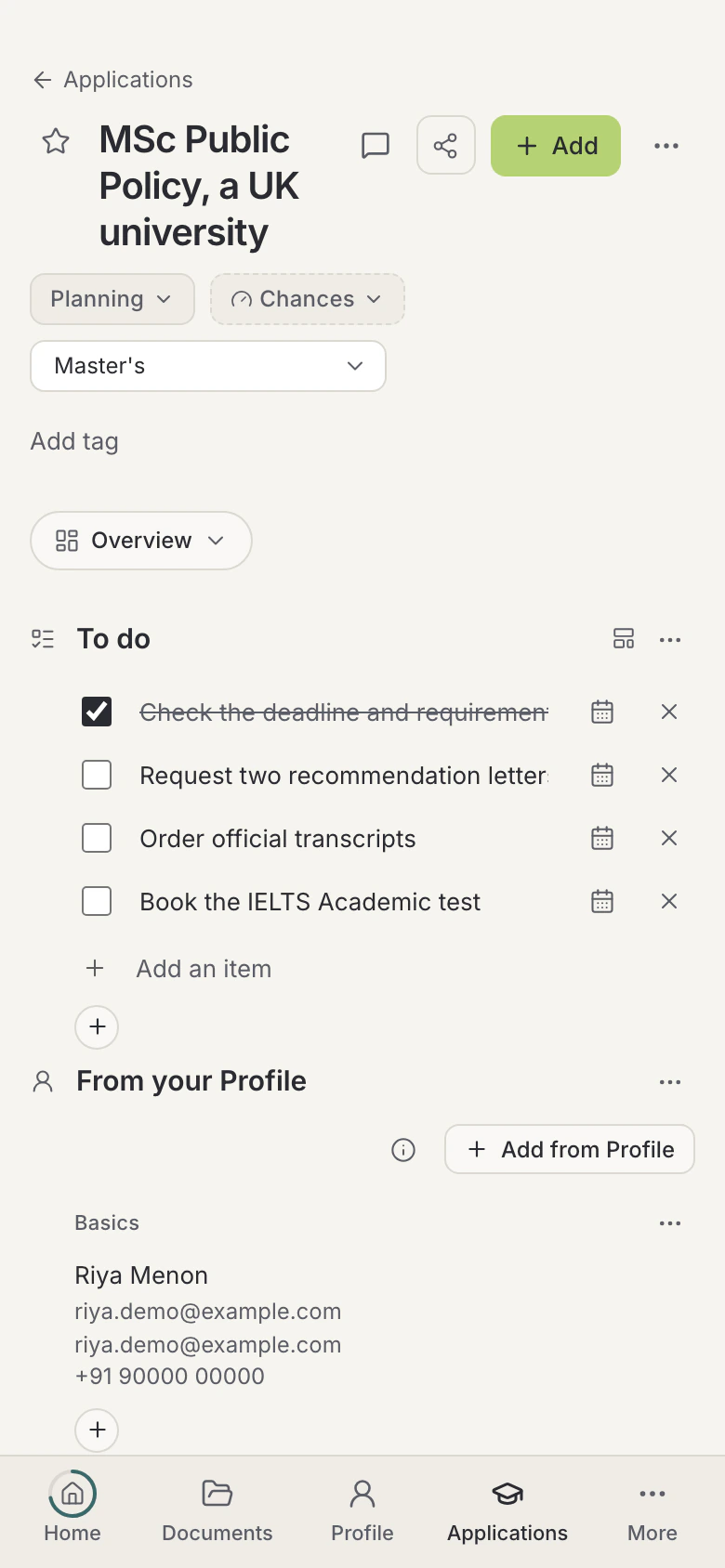
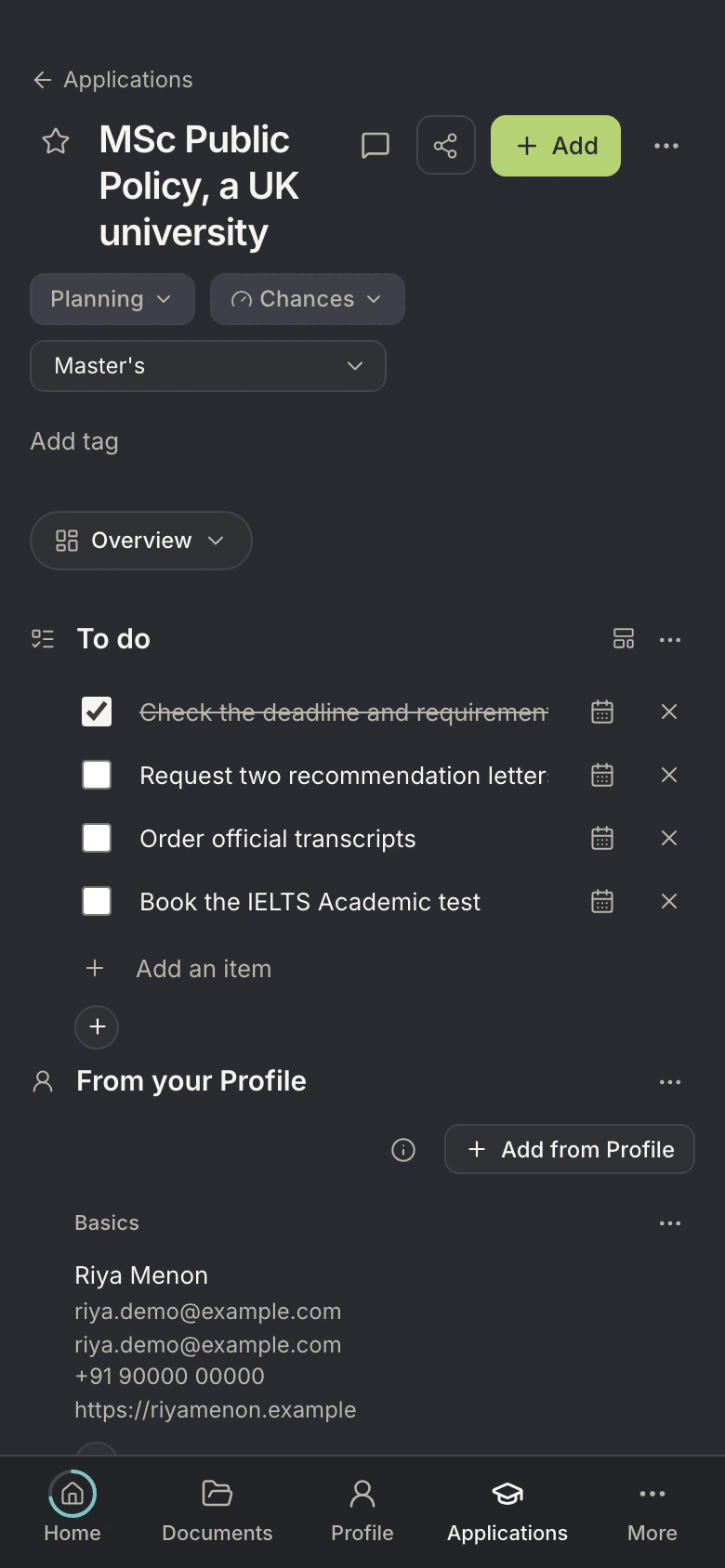
Every student owns their story, and keeps it.
- Free for them
- Their Profile, resumes, Docs and Applications cost nothing.
- Hidden stays hidden
- Entries a student hides are never shown to your staff or counselors.
- Theirs for life
- The Profile stays with them after they leave you.
Built for how your office works.
- Roles that fit your office
- Admin levels, verifiers and students. Roles come only from your list, and admins can be limited to the cycles they run.
- One workspace per institution
- Your data is kept separate from every other institution's.
- Sign in your way
- Google or an email link, limited to your institution's domains.
How you start
- 1We set up your institution's workspace.
- 2You import students from a CSV and add your staff.
- 3You open your first cycle.
See it with your next placement season.
30 minutes, the real product, no deck.